
Control, Alt, Delete on a Mac: the Windows equivalents
Force Quit, Print Screen, right-click and the rest: where your Windows habits live on a Mac, and what to press instead.
Read the full guide →
Buying a refurbished laptop or phone, setting one up, or working out what’s actually safe. Every guide is written, edited and tested in house.
Force Quit, Print Screen, right-click and the rest: where your Windows habits live on a Mac, and what to press instead.
Read the full guide →Force Quit, Print Screen, right-click and the rest: where your Windows habits live on a Mac, and what to press instead.

Your files came across fine. What breaks afterward is the defaults the Mac set during setup, and nothing on screen will tell you they are wrong.
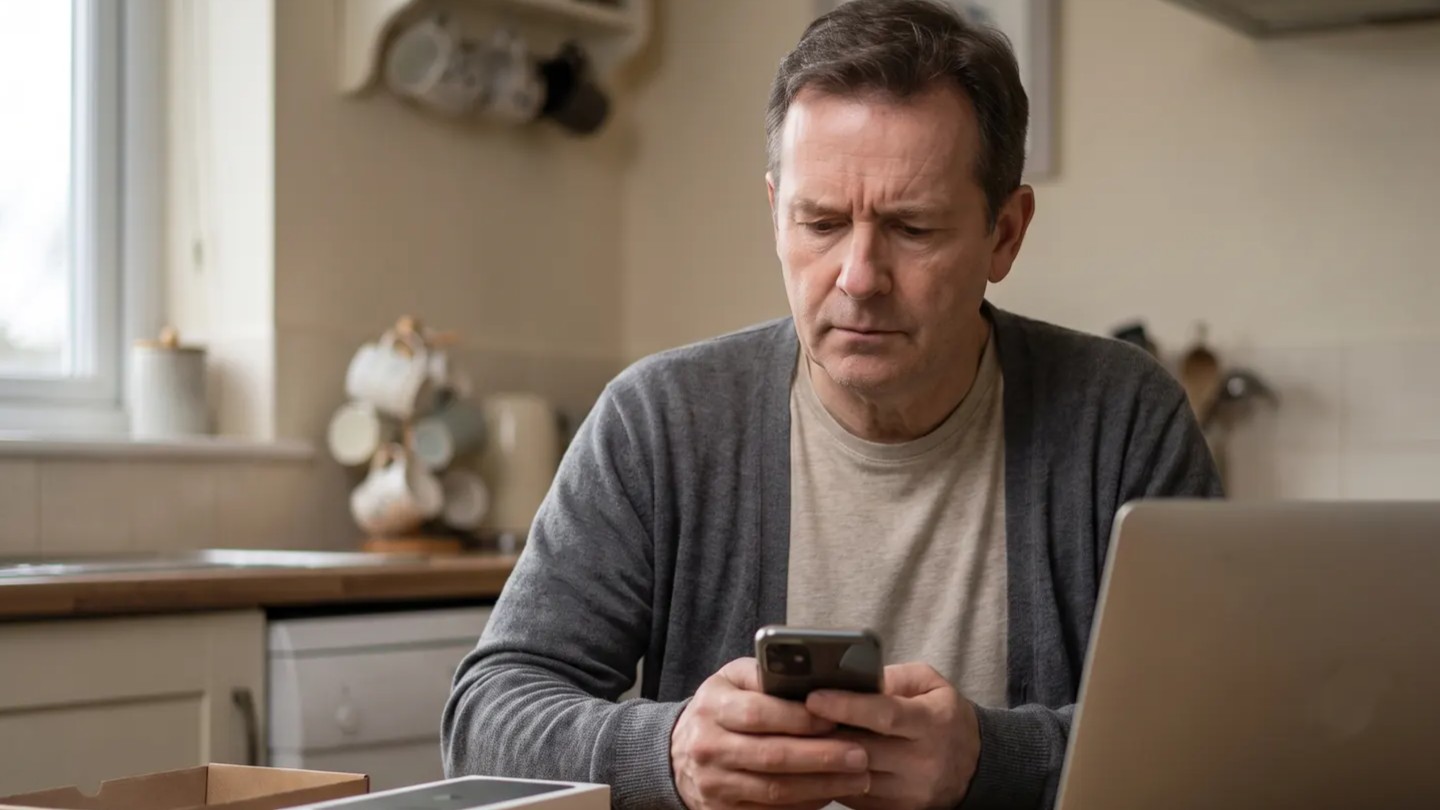
The phone looked new. The battery said otherwise. What health percentage and cycle count actually tell you about how hard a device was worked.

Apple raised the price of the MacBook Air by $200 in June, and it wasn't alone. Here's what happened to memory and storage, and what's still worth buying.
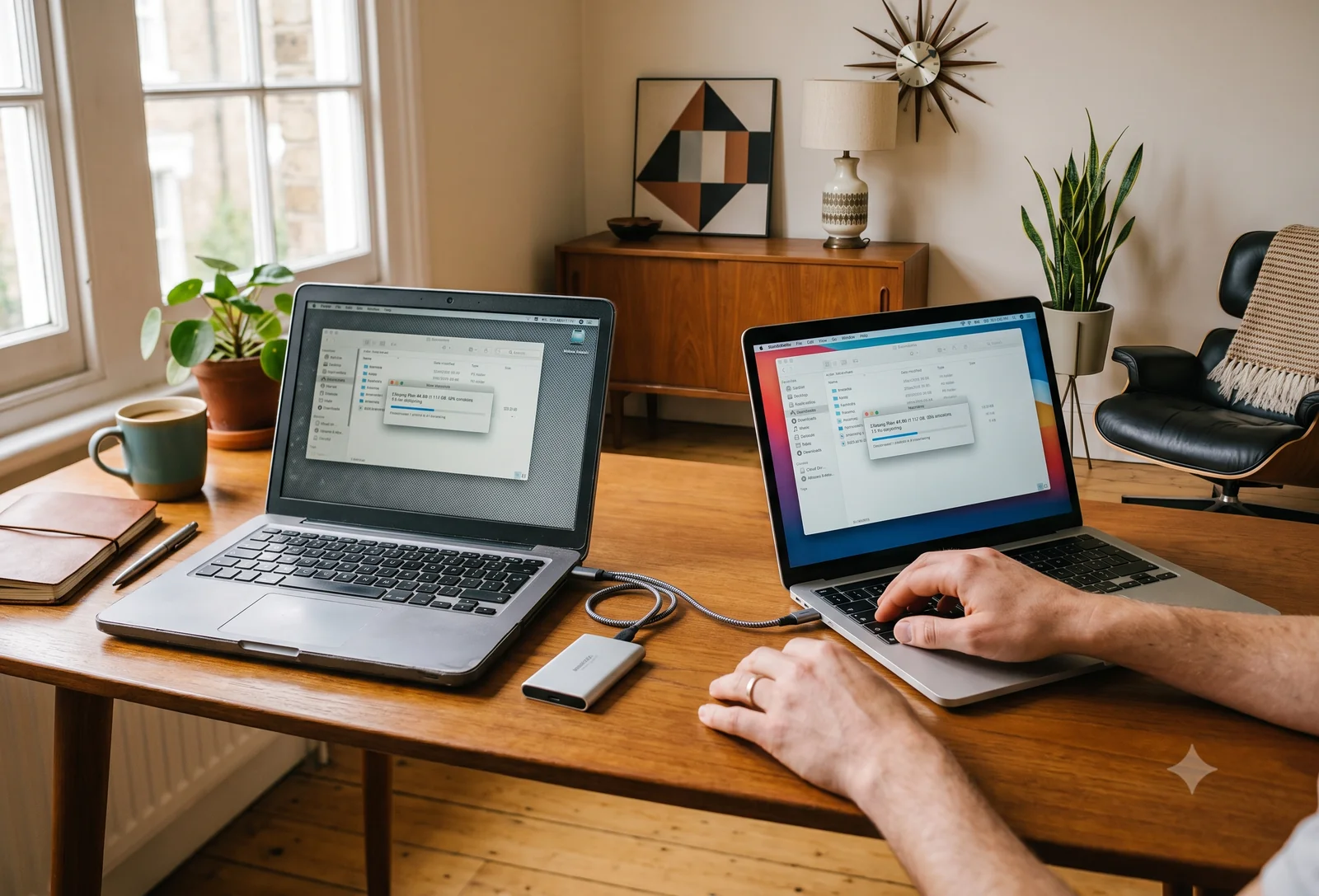
Most of it can come across, and on the common paths a free tool does the heavy lifting. A guide to transferring data: Mac to Mac, Windows to Mac, Windows to Windows, and Mac to Windows.
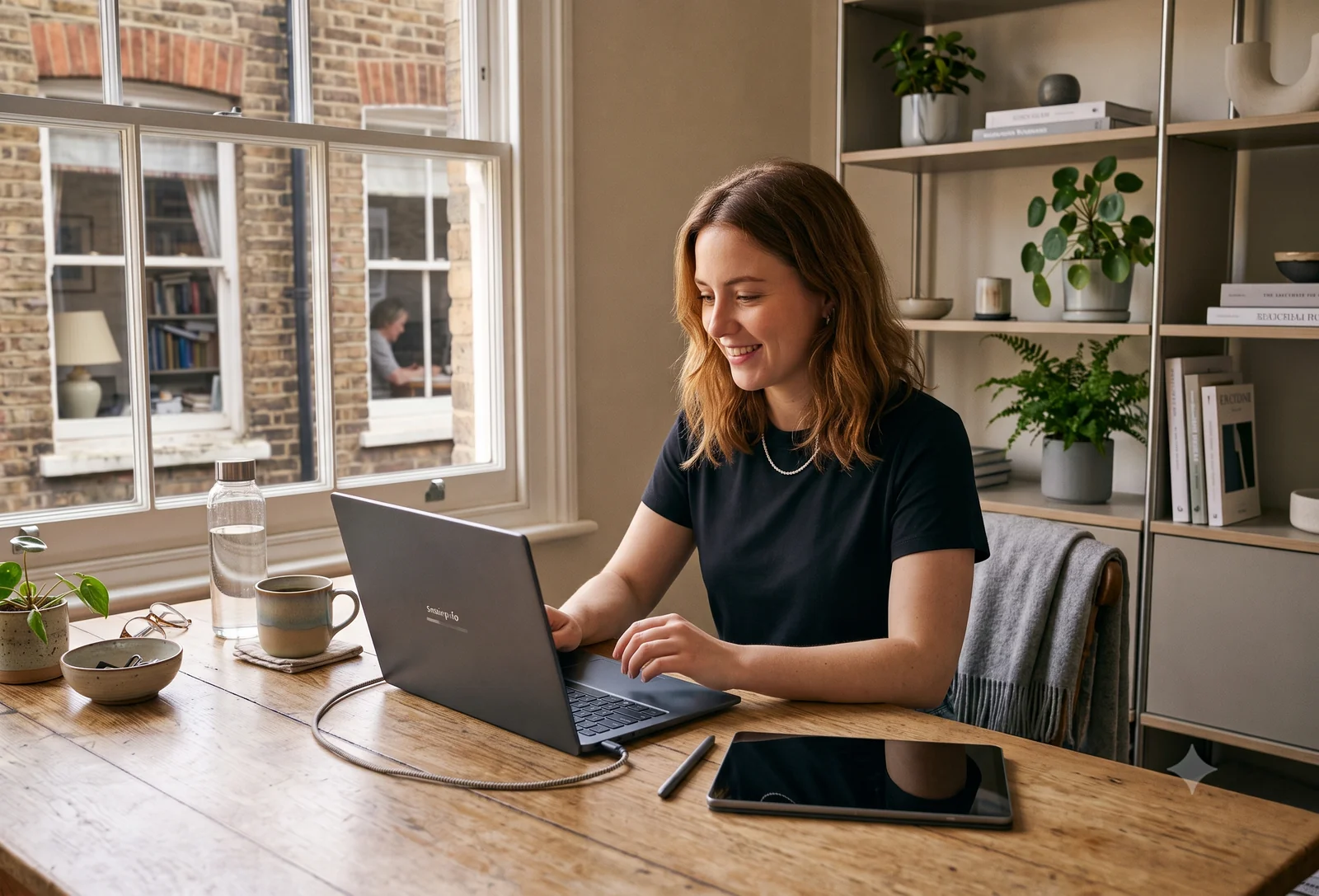
Setting up a new Windows 11 laptop takes about 30 minutes, mostly reading the screen and clicking Next. Here's which prompts are worth a thought and which to wave through.

Yes, and in 2026 often the smarter buy than new. The safety comes almost entirely from who you buy from. Here are the four things that actually matter before you buy.
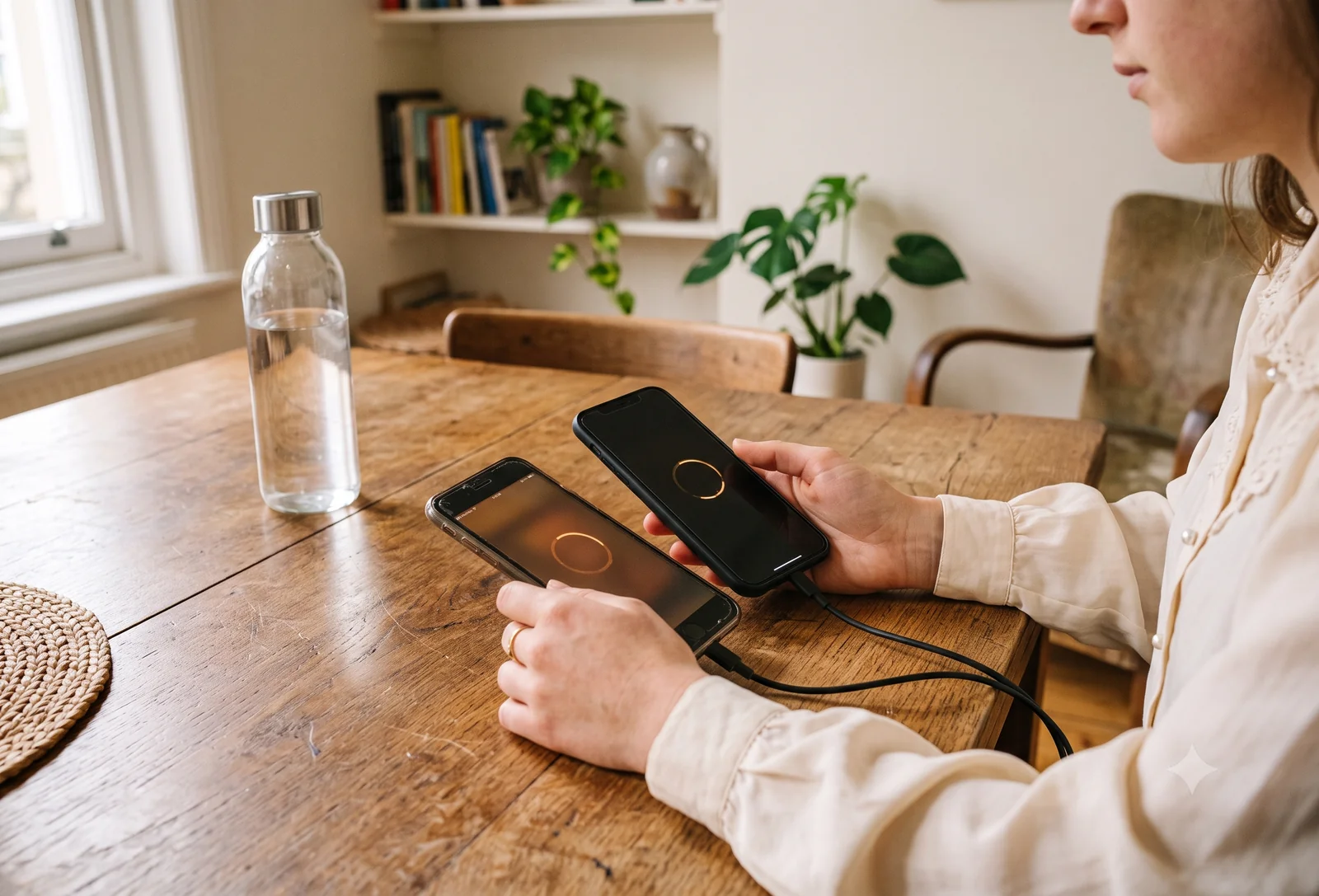
Almost all of it comes across, and the phone does nearly all the work. A guide to transferring data for every move: iPhone to iPhone, Android to Android, and between the two.
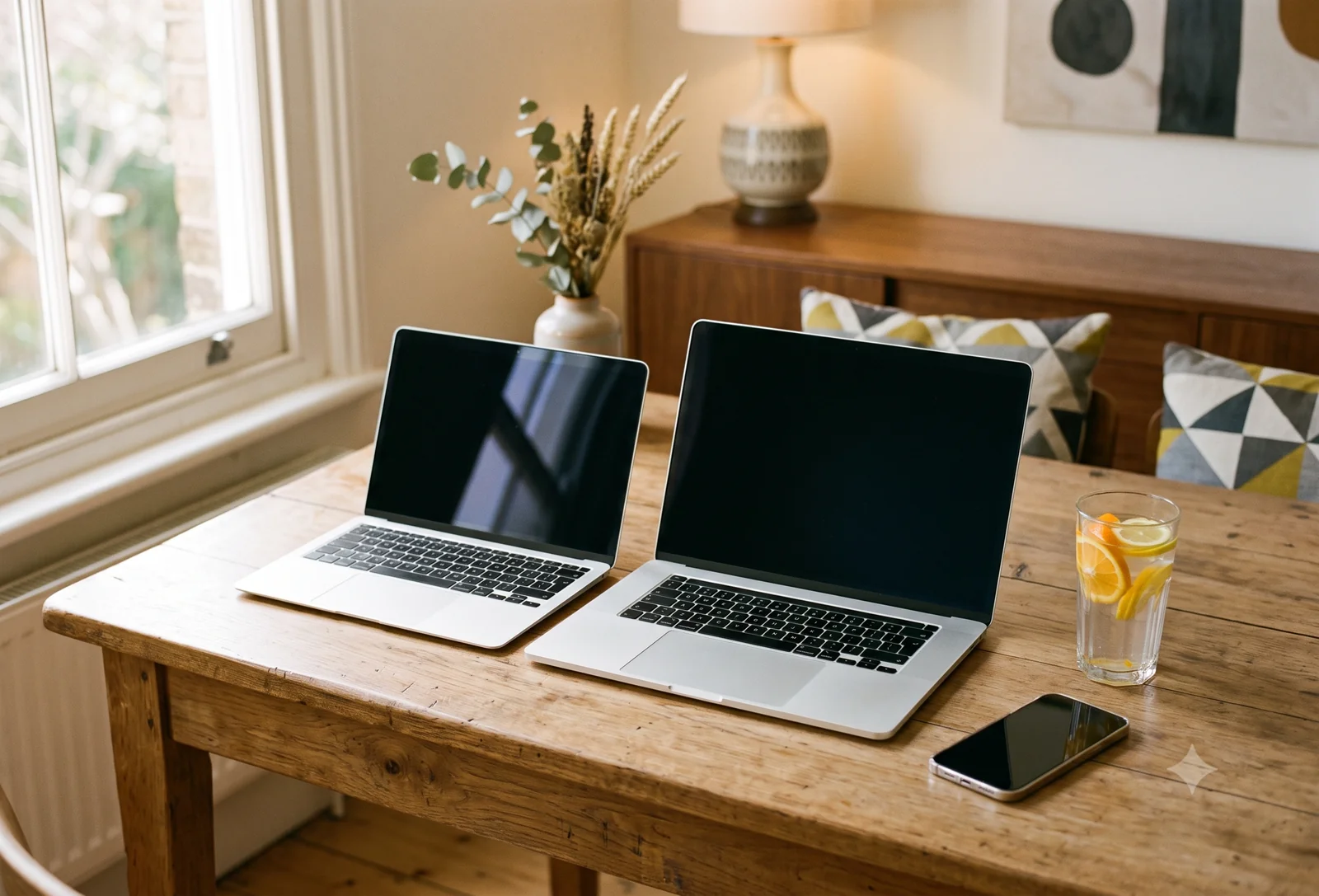
Buy the Air. For most people, that's the answer. Get the 14-inch Pro only if your real work is sustained heavy load. Here's the honest working, refurbished included.
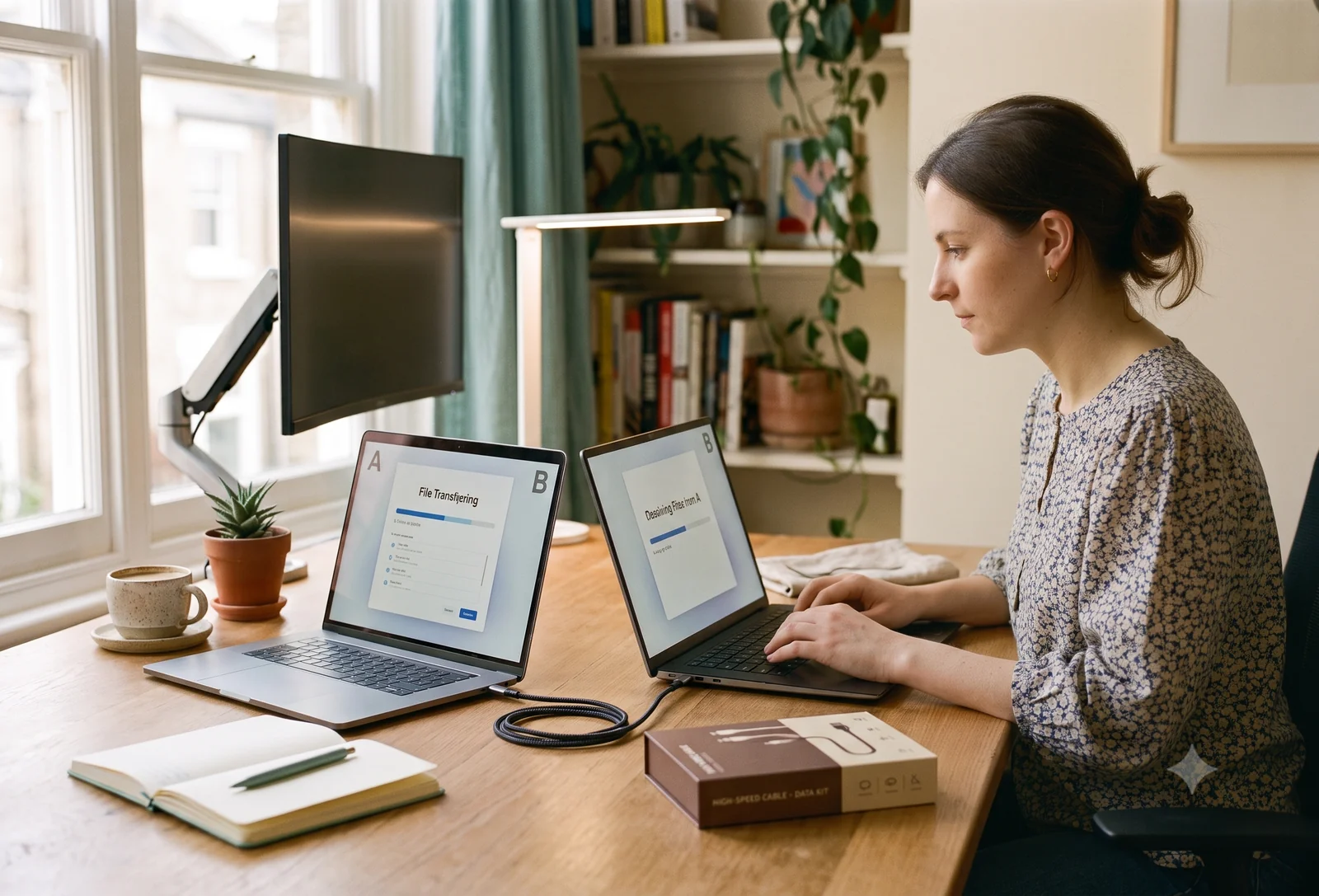
Setting up a new MacBook, Air or Pro, takes about 20 minutes. The one step that trips people up is your Apple Account. Sort that first and the rest is smooth.
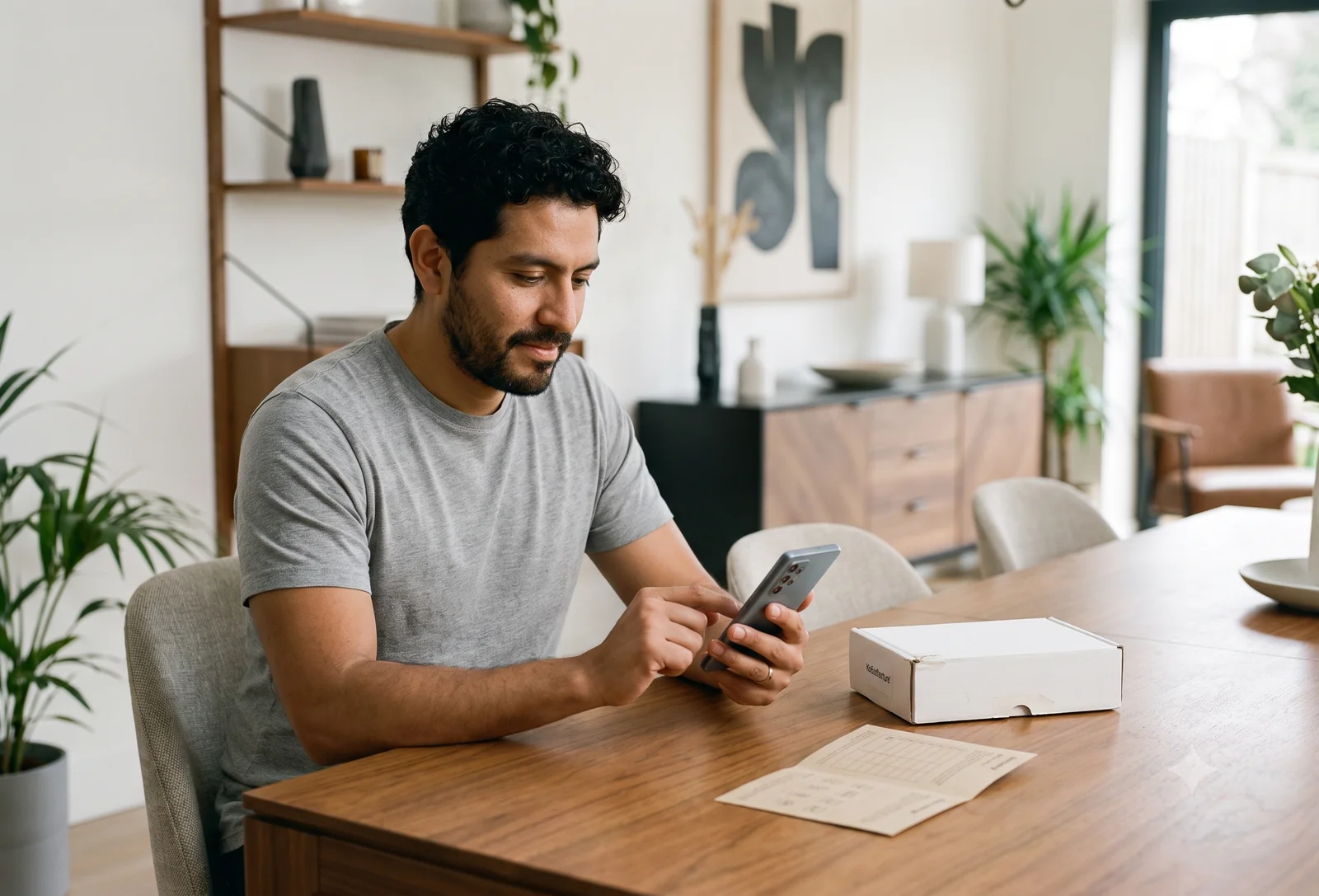
Yes, and often it's safer than buying new. The safety comes almost entirely from who you buy from. Here are the four things that actually matter before you buy.
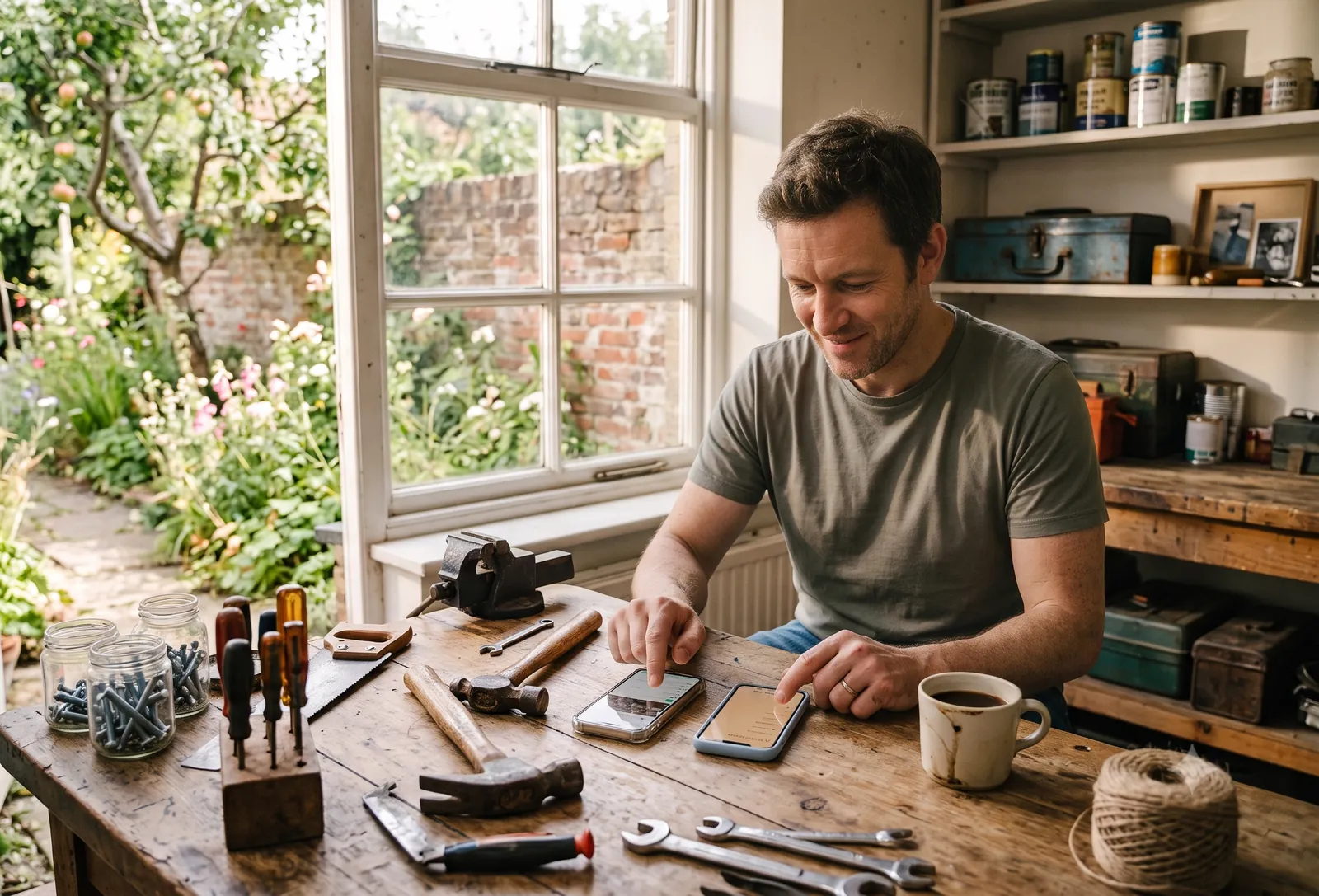
A step-by-step guide to setting up your new iPhone, whether you're coming from Android or an older iPhone. Around 30 minutes, with the one thing to watch for on a refurbished phone.
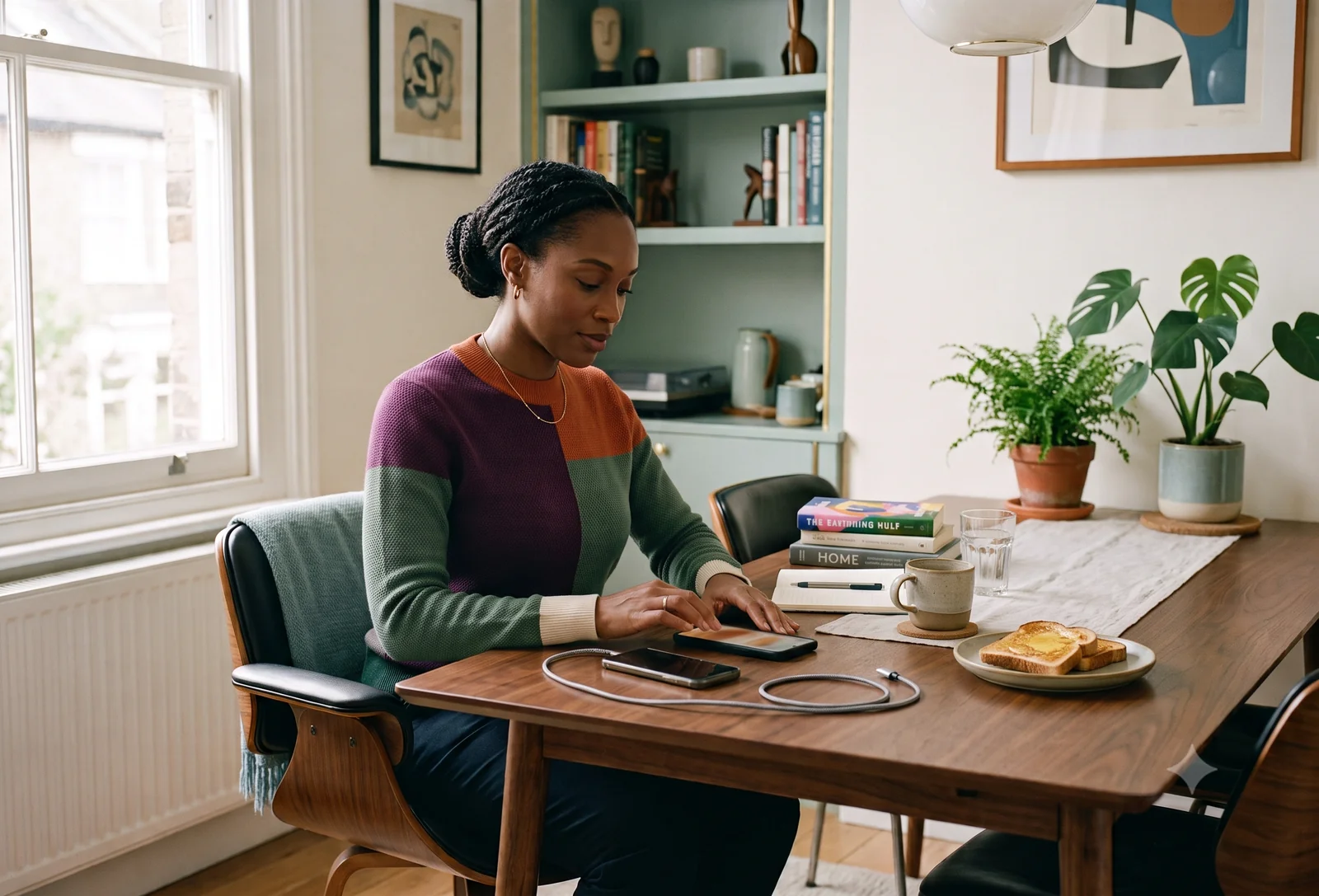
A step-by-step guide to setting up your new Samsung Galaxy, whether you're coming from an iPhone or an older Android. Around 30 minutes, using Smart Switch and the FRP check.

The best refurbished phone for most people in 2026 is a refurbished iPhone 13 (~$250). On Android, the Galaxy S23 (~$235). Here's when something else is the better call.

The best refurbished laptop for everyday use in 2026 is a MacBook Air M2 with 16GB RAM (~$700-800). For Windows, the ThinkPad T14s Gen 3 (~$400-450). Here's the reasoning.
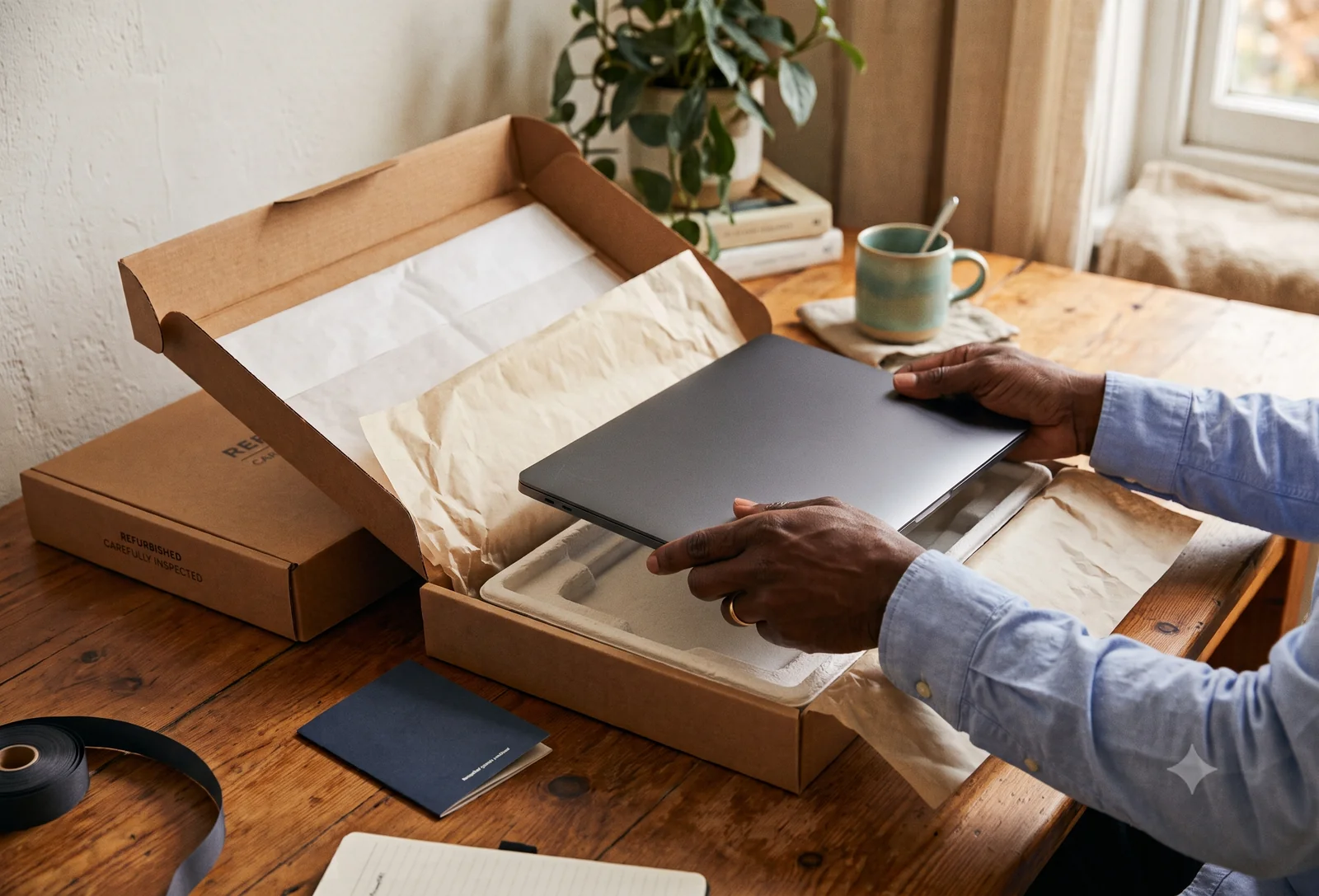
Refurbished means a device that was previously owned or returned, then inspected, tested, and resold, usually with a warranty. Here's how to tell a good one from a bad one.
We publish a new guide most weeks. No spam, no daily emails. Just a note when something useful goes live.