
MacBook Air vs MacBook Pro: which one do you actually need?
Buy the Air. For most people, that's the answer. Get the 14-inch Pro only if your real work is sustained heavy load. Here's the honest working, refurbished included.
By the Savvoo desk · · 8 min read
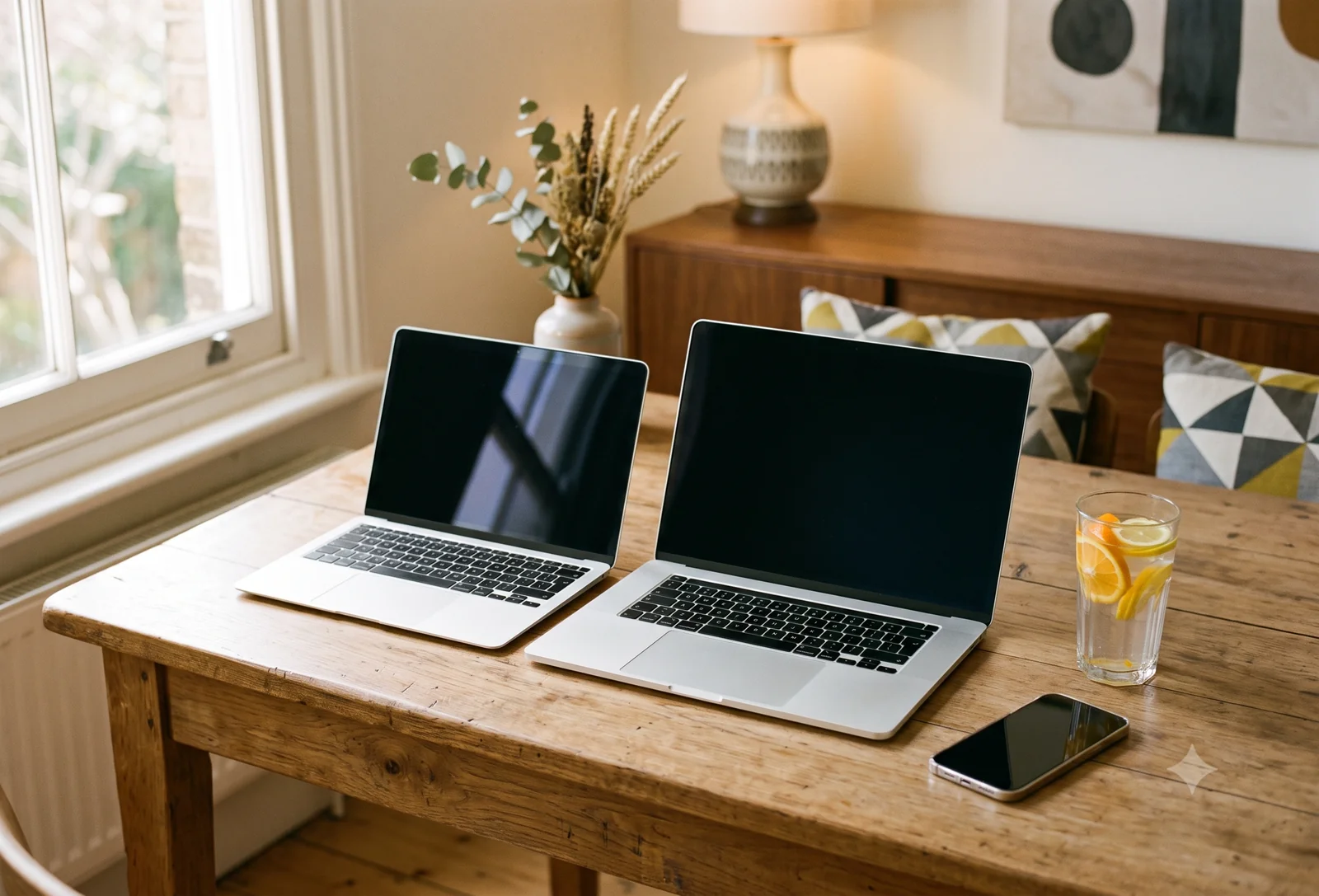
Buy the Air. For most people, that's the answer, and the rest of this is just showing the working.
The Pro is the more capable machine. Nobody's arguing otherwise. But "more capable" and "what you need" are different questions, and the gap between them is exactly where people overspend. So this isn't a guide about which laptop is better. It's about whether the things the Pro adds are things you'll use, or things you'll pay a few hundred dollars and a heavier bag to own and then forget you have.
If you want the Pro anyway, buy it. Just go in knowing what you're getting and what you're giving up. The people who skip that part are the ones who complain three months later that it's heavy, it's thick, and it only comes in two muted grays. None of that is a surprise. We're going to lay all of it out now so it isn't one for you.
One thing to pin down before we start, because it makes the rest of this concrete: we're comparing the 13-inch Air against the 14-inch Pro. That's the like-for-like fight most people are actually having. The 16-inch Pro is a different machine for a different buyer, and if you're eyeing that one, you've usually already decided you need it.
The short version Most people: the 13-inch Air. It does everything an everyday day needs, stays silent, and weighs less. Get the 14-inch Pro if: your real work is sustained heavy load, hours of video export, long code builds, serious audio or 3D. Not "a lot of tabs." Actual heavy lifting, often. Want the Pro just because it's nicer? Fair. Buy it knowing it's heavier, thicker, and costs more, in exchange for a brighter, smoother screen and power you may not use.
This guide is about the two machines side by side. If you've already decided on a Mac and just want to get it running, that's a different job, and we cover it in how to set up your new MacBook.
What the Pro actually gives you
Start with the honest version: the Pro is better in real, nameable ways. Here's what the extra money buys, described as what you'd feel using it rather than a spec sheet.
The screen is brighter and holds up outside. The Air's screen is good. The Pro's is the kind of bright where you can work at a cafe window or outdoors without squinting, and it handles high-contrast video with more depth. If you do photo or color work, you'll see the difference.
It scrolls smoother, and you feel it. The Pro screen runs at a higher refresh rate, so everything from scrolling a long page to dragging a window looks fluid in a way that's hard to unsee once you've had it. Apple calls it ProMotion. You won't miss it if you've never used it. You will miss it if you go back.
It stays fast when you push it hard for a long time. This is the real one, and it's worth being precise about what "hard" means, because it's narrower than it sounds. We're not talking about a lot of browser tabs, or a big spreadsheet, or ten apps open at once. The Air handles all of that without breaking a sweat. We mean sustained heavy load: an hour of video export, a long code build, a big batch of photos all processing at once. The Air has no fan, so when it runs hot for a long stretch it quietly slows itself down to cool off. The Pro has fans, so it holds full speed for as long as you need. If that kind of work is your day, that's what you're paying for. If you're not sure whether it's yours, the test further down sorts it cleanly, and for most people the honest answer is that it isn't.
Fewer dongles. The Pro has more ports, including HDMI and an SD card slot, so plugging into a monitor or pulling photos off a camera doesn't mean hunting for an adapter. Small thing day to day, real thing if you do it often.
Better speakers. The Pro sounds noticeably fuller, which matters if you watch or edit anything without headphones.
The bigger screen, if you want it. At 14 inches the Pro gives you more room to work than the 13-inch Air. Whether that's worth the extra size in your bag is a question only you can answer, but it's a real difference, not a rounding error.
What it costs you to get them
Now the other side of the ledger, because every one of those upgrades comes attached to something.
It's heavier, and you carry that every day. The 14-inch Pro is a denser, heavier machine than the 13-inch Air. On the desk it doesn't matter. In a bag on your shoulder, on a commute, in and out of a backpack all day, it's the single thing people notice most and mention most. The Air is the one you forget is in the bag. The Pro is the one you don't.
It's thicker. Less of a daily issue than the weight, but it's a chunkier machine, and if "thin and light" is part of why you wanted a Mac in the first place, the Pro walks that back.
It costs more. A few hundred dollars more for the same generation, refurbished or new. That's money that could be RAM, storage, an AppleCare plan, or just money.
And the headline feature might be one you never trigger. The fans, the sustained speed, that's the Pro's biggest advantage. But it only does anything if you actually run the machine hard enough for long enough to make the Air slow down. If you never do that, you've bought a cooling system you'll never hear switch on.
So which do you actually need?
Here's the test, and it's simpler than the spec comparisons make it look. The Pro earns its premium if your real work includes sustained heavy load. Concretely:
You edit video for more than fun. Exporting long timelines, working in 4K, doing it often.
You write code that takes real time to build. Long compiles, big projects, where minutes of waiting add up across a day.
You produce music or audio with a lot of tracks and live effects running at once.
You do 3D, heavy photo batches, or anything where you regularly watch a progress bar crawl.
If two or more of those are your actual day, get the Pro. You'll use what it's for, and the price gap pays for itself in time you don't spend waiting.
If your day is browser tabs, documents, email, video calls, photos, streaming, and the occasional bit of light editing, the Air does every part of that, stays silent doing it, and weighs less while it happens. Buying the Pro for that work is buying insurance against a problem you don't have.
Want the Pro anyway? Go ahead, with eyes open
Here's the part most comparison guides won't say plainly: wanting the nicer machine is a perfectly good reason to buy the nicer machine. The brighter screen, the smoother motion, the better speakers, the bigger display, those are real and they're nice to live with. If you'll enjoy them every day, that enjoyment is worth something, and you don't owe anyone a spreadsheet justification for it.
The only version of this that goes wrong is the uninformed one. So buy it for the screen and the feel if that's what you want. Just don't buy it expecting a featherweight, and then act betrayed when it's heavy. You're trading thin-and-light for bright-and-powerful. That's a fair trade if it's the one you actually want to make. It's a bad one if nobody told you that's the trade.
What this looks like refurbished
Refurbished is where the Air's case gets even stronger. The same-generation Pro still carries its premium on the used market, so the gap you're weighing, a few hundred dollars, is roughly the same gap you'd see buying new. You're not escaping the decision by going refurbished. You're just making it at a lower total price.
If you're still deciding whether a refurbished laptop is the right buy at all, our guide to the best refurbished laptop for everyday use is the wider view this comparison sits inside.
Sticking to one generation makes the comparison clean. A 13-inch M2 Air against a 14-inch M2 or M3 Pro is a like-for-like choice: same era, same software life ahead of it, the difference is genuinely Air-versus-Pro and not old-versus-new. If you find yourself comparing across generations, you're answering a different question, and the chip gap starts to matter more than the Air-or-Pro one.
Prices move, so check what today's gap actually is before you decide. If it's narrow, the Pro's a bit easier to justify. If it's wide, the Air's case gets stronger still.
Let us find your match
If you'd rather not weigh all this yourself, that's what we're here for. Tell us how you actually use a laptop and what you want to spend, and we're building the tool that'll find the one that fits, at the lowest price across our partners. Get notified when it's live
Heads up: Savvoo earns a commission when you buy through our partners. It never influences which products we pick. You can read how we work here.
Related, once live: [Best refurbished laptop for everyday use] · [How to set up your new MacBook] · [What does refurbished actually mean?]
<!-- WRITER PRODUCTION NOTE (does not ship): Internal links wired: /learn/set-up-new-macbook (Guide 07 setup), /learn/best-refurbished-laptop (Guide 02 parent), /match (CTA -> now email capture for Phase 1), /how-we-work (disclosure). Neo editorial link intentionally omitted: no natural placement in the needs-vs-wants frame, forcing it would read off-voice. CONFIRMED omitted by Ricky; dedicated Neo-vs-Air guide filed instead (ClickUp 868k52f2h) — link to it from here once both live. -->
Sources
1 MacBook Air (M2, 13-inch, 2022) weighs 2.7 pounds (1.24 kg) and is fanless. MacBook Pro (14-inch, M2, 2023) weighs 3.5 pounds (1.59 kg) with active cooling fans. Apple Tech Specs, 2022–2023.
2 MacBook Pro 14-inch and 16-inch (M2 and later) feature ProMotion adaptive refresh up to 120Hz and a Liquid Retina XDR display; MacBook Air (M2) has a 60Hz Liquid Retina display at 500 nits. Apple Tech Specs, 2022–2023.
3 MacBook Pro 14-inch (M2 and later) includes HDMI, SD card slot, three Thunderbolt 4 ports, MagSafe, and 3.5mm headphone jack. MacBook Air (M2) has two Thunderbolt 4 ports, MagSafe, and 3.5mm headphone jack only. Apple Tech Specs, 2022–2023.
4 MacBook Air M2 launched in July 2022 from $1,199; MacBook Pro 14-inch M2 launched in January 2023 from $1,999. Refurbished pricing reflects a discount of approximately 30–40% from original retail. Apple Newsroom / Apple Refurbished Store, 2022–2026.