
What SIM-locked and unlocked phones mean, and how to unlock yours
What a carrier lock is, how to check for one on an iPhone or Galaxy, and what Verizon, AT&T and T-Mobile ask before they'll unlock.
By the Savvoo desk · · 5 min read
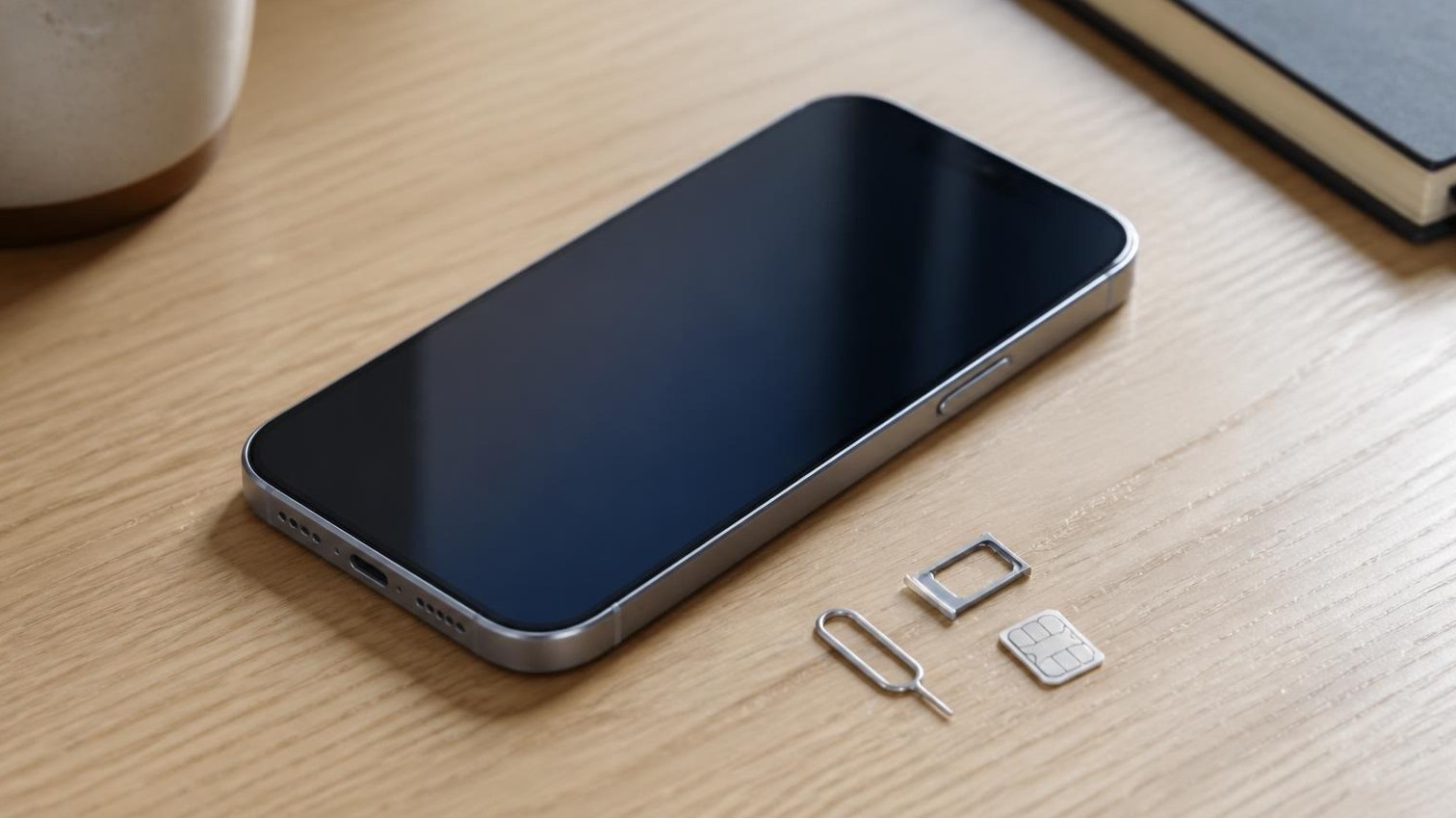
A locked phone is one your carrier has set to work only on its own network. Unlocked means that restriction's gone, and you can take the phone to whichever carrier you like. It sounds like fine print, right up until you buy a used phone, pop in your SIM and get a "SIM not supported" message with the return window already counting down.
The good news is that it's easy to check, on an iPhone or a Samsung Galaxy, and most locks come off once you've met a few conditions. Here's how it all works.
Why your carrier locks it in the first place
Carriers like to knock money off a new phone or let you pay for it over a couple of years. The lock is their insurance: it keeps the phone on their network until it's paid for.
There's no single law setting the rules. Verizon, AT&T and T-Mobile follow an industry code from CTIA, the wireless trade group, which boils down to this: once your payment plan is done, a postpaid phone gets unlocked, and a prepaid phone gets unlocked within a year of activation. Each carrier adds its own small print on top, which is where it gets fiddly.
Is yours locked? Here's how to check
If you've got an iPhone, Apple makes this easy. Go to Settings, then General, then About, and find Carrier Lock. If it says "No SIM restrictions," you're free. If it says anything else, a carrier still has its hooks in.
On a Samsung Galaxy there's no screen that tells you as plainly, so the fastest way is to borrow a friend's SIM from a different carrier and put it in. If the phone complains the SIM isn't supported or won't connect, it's locked. That trick works on an iPhone too, and if there's no spare SIM around, you can simply ask the carrier that sold the phone.
While you're at it, dial *#06#. That pulls up your IMEI, the number that identifies your exact phone, and it's the first thing a carrier will ask for.
Getting it unlocked
Only the carrier that locked your phone can unlock it. Apple can't do it for an iPhone, and on a Galaxy it's the carrier too. Here's what each of the big three wants from you, as of October 2026.
Verizon. If you're on a monthly plan, you don't have to do anything: the phone unlocks itself once it's paid off. One catch: pay off the balance with a Verizon gift card and you'll wait an extra 35 days. On prepaid, it unlocks automatically after 365 days of paid service. If you've read that Verizon unlocks after 60 days, that was true until January 2026, when the FCC dropped the rule that required it.
AT&T. Your phone needs to be paid off, bought more than 60 days ago, and your bill can't be overdue. Eligible iPhones and Galaxy phones on an AT&T plan should unlock on their own once you're there. If yours doesn't, fill in the request at att.com/deviceunlock. You don't even need to be an AT&T customer to use it. Prepaid phones need 12 months of paid service first.
T-Mobile. On a monthly plan, the phone has to be paid off and active on your line for at least 40 days. On prepaid, it's 365 days, or sooner if you've spent more than $100 on refills for that line, with a limit of two unlocks per line a year. Once you qualify, phones that support it unlock remotely within two business days.
None of them will unlock a phone that's been reported lost or stolen. And if you're with a smaller carrier, check its website, because they each write their own rules.
Once you get the all clear, put in your new carrier's SIM or set up its eSIM and you're done. Bringing your number along is its own little job, and how to move everything from your old phone to a new one walks you through it.
If you're buying used or refurbished
This is where a lock can really sting. The person selling you the phone can't unlock it themselves, and if the original owner never finished paying for it, no carrier is going to unlock it for you either.
So if a listing doesn't say whether the phone is locked, assume it is and ask the seller to confirm in writing. Then run the IMEI through your carrier's compatibility check while you can still send it back. For everything else worth checking before you buy, see is a refurbished phone safe to buy?
What "unlocked" doesn't tell you
Unlocked doesn't mean it'll work on every network. It only means the carrier lock is gone. T-Mobile, for one, asks you to check both: that the phone's unlocked, and that it's compatible, using the IMEI.
And it's a different thing from Activation Lock, which catches plenty of people out. That one's tied to the previous owner's account: Find My on an iPhone, Google's reset protection on a Galaxy. A phone can be fully carrier-unlocked and still stop you at setup asking for someone else's Apple Account or Google password. If you see that screen on a phone you've just bought, return it to the seller rather than trying to work around it.
Common questions
Will unlocking wipe my phone? Usually not. On an iPhone, the only time it comes up is if you don't have another carrier's SIM to finish the unlock with. Then Apple's route is to back up, erase and restore, so you get everything back.
Can I unlock a phone I bought secondhand? Often, yes, but it's the carrier's call, not the seller's. AT&T takes requests from people who aren't customers, as long as the phone meets its rules. T-Mobile counts 40 days active on the line asking, so a locked T-Mobile phone needs to spend some time on T-Mobile first.
Sources
1 Only your carrier can unlock an iPhone; Settings, General, About, Carrier Lock shows "No SIM restrictions" when unlocked; with no other SIM, back up, erase and restore. Apple Support, January 2026.
2 Verizon unlocks postpaid devices automatically at full price or payoff, delays 35 days for gift-card payment, unlocks prepaid after 365 days of paid, active service, and won't unlock lost or stolen devices. Verizon, February 2026.
3 AT&T postpaid: bought 60+ days ago, paid in full, not past due; eligible Apple, Samsung and Google devices unlock by themselves; non-customers can request; prepaid needs 12 months of paid service; the other-carrier SIM test. AT&T, October 2026.
4 T-Mobile postpaid: 40 days active on the requesting line, paid in full; prepaid 365 days or over $100 in refills, two unlocks per line per 12 months; remote unlock within two business days. T-Mobile, October 2026.
5 The FCC waived the rule requiring Verizon to unlock 60 days after activation; carriers follow the CTIA code: postpaid on request once the plan is satisfied, prepaid no later than one year after activation. FCC, January 2026.
6 A phone must be unlocked and compatible to bring it to T-Mobile; dial *#06# for the IMEI. T-Mobile, October 2026.
7 Activation Lock ties an iPhone to the owner's Apple Account; if setup asks for the previous owner's details, return it to the seller. Apple Support, April 2026.
8 After a factory reset, setup asks for a Google Account previously synced to the phone; without it the phone can't be used. Google Android Help, October 2026.