
How to check a refurbished laptop is wiped and not locked
Four checks in 20 to 35 minutes, so you know the laptop was reset, carries a genuine license and isn't tied to anyone else's account.
By the Savvoo desk · · 4 steps
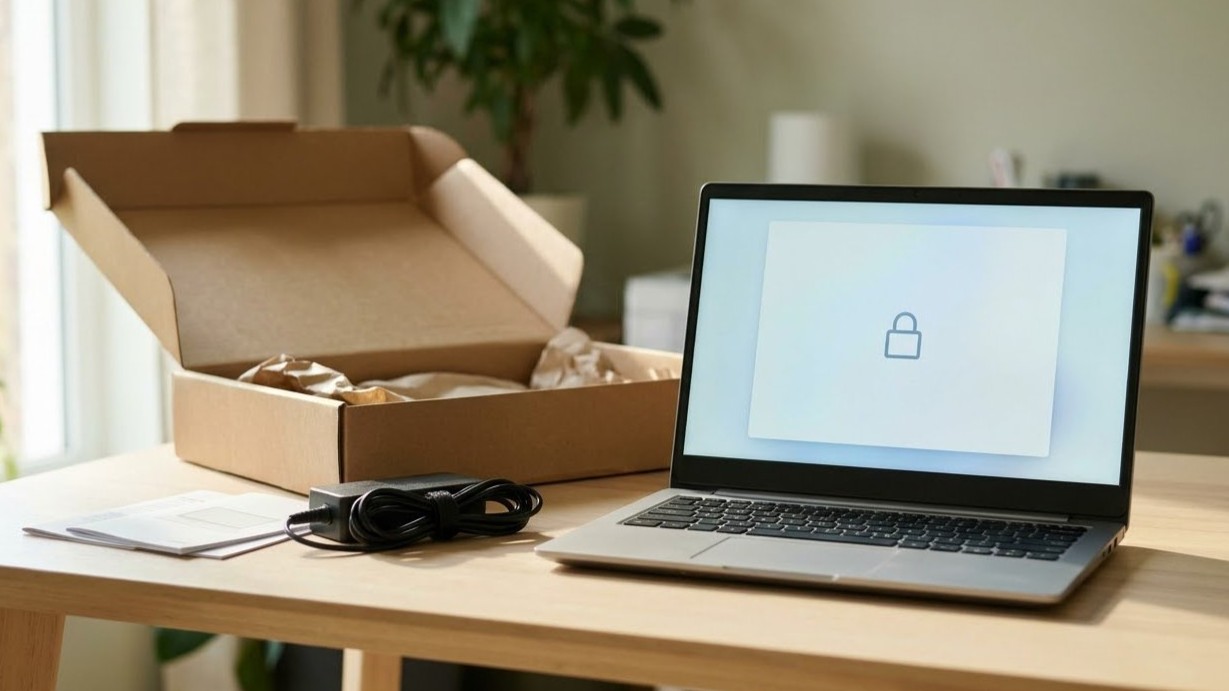
The box is open, the laptop is charging, and the return window started the day it was delivered. In the next half hour you can confirm it's really yours: wiped clean, running genuine software, and not tied to anyone else's account. All four steps take about 20 to 35 minutes, and you do every one of them on the laptop itself.
Before you start, plug in the charger and keep your Wi-Fi password nearby. You'll also need the email and password for your own Apple Account or Microsoft account. Dig out the order confirmation while you're at it. If something fails you'll be sending the laptop back, and you'll want the return date in front of you.
Step 1: Turn it on and watch the first screen (5 to 10 minutes)
A laptop that's been wiped properly acts like it just came out of the factory. First it asks for your language or country, then Wi-Fi, then it wants you to sign in, and that order is exactly right.
If the laptop seems connected to someone else, that's your problem. Examples of this include landing on a login screen with a stranger's name, finding their files on the desktop, or being asked for a password you never set. Each of those means the laptop wasn't reset before it shipped. Leave it there and skip to step 4.
Step 2: Check it isn't tied to someone else (5 to 10 minutes)
This is the check that catches the expensive problem: a laptop that, as far as Apple or Microsoft is concerned, still belongs to someone else.
Your situation: it's a MacBook
Macs with Apple silicon or Apple's T2 security chip can carry Activation Lock, which ties the Mac to its owner's Apple Account. If the previous owner never signed out, setup stops and asks for an Apple Account and password that aren't yours. Only they can clear it.
Watch for a screen called Remote Management too, with the line "Your organization is managing this Mac." That means the Mac is still enrolled in a company's device management, which happens with laptops that came out of an office. Either screen is a fail.
If you get through setup on your own account, go to System Settings › your name › iCloud › See All (it may say Show More Apps) › Find My Mac, and turn it on. The lock now works for you instead of against you.
Your situation: it's a Windows laptop
On Windows, the thing to check is the license. Go to Start › Settings › System › Activation and read the line next to Activation status. "Windows is activated" is a pass, and so is the same line with "with a digital license" after it. "Windows is not activated" means the copy you were sold isn't licensed, which a good refurbisher sorts out before the laptop ships.
Step 3: Restart and watch for a password box (2 to 5 minutes)
Restart it once. Watch the first few seconds closely, before Windows or macOS has loaded, because that's where this kind of lock shows up. It lives underneath the operating system, so the seller's reset wouldn't have touched it.
On a Windows laptop, you'd see a box asking for a password on the maker's startup screen, before the Windows logo. An older Intel-based Mac shows a padlock with a password field instead. Macs with Apple silicon don't have this kind of lock. If a password box appears and nobody gave you the password, that's a fail.
Step 4: If a check fails, start the return (5 to 10 minutes)
Paying someone online to unlock it is a bad idea, and so is any trick you find on a forum. Snap a photo of the screen, send it to the seller and tell them what you saw. They can clear it or take the laptop back. If nothing's happened after a short wait, open the return, even if they keep saying a fix is coming.
For a Mac locked to someone else's account, Apple will also review it if you have proof of purchase, through its Activation Lock support request page. That route is slower than a return, so save it for when the window has already closed.
A laptop that passes all three checks has been reset, carries a genuine license, and answers only to your account. The battery, the warranty and the rest of what's worth checking before you keep it are in is a refurbished laptop safe?
Related: Is a refurbished laptop safe? · Refurbished warranties, returns and battery standards compared
Sources
1 Activation Lock on a Mac needs Apple silicon or the Apple T2 Security Chip, stays on while Find My is on, and can be lifted by Apple on request with proof of purchase. Apple Support, October 2026.
2 During setup, a Mac enrolled in an organization's device management shows a Remote Management screen saying "Your organization is managing this Mac." Apple Platform Support, October 2026.
3 Check activation in Settings › System › Activation; the Activation status line reads "Windows is activated" or "Windows is not activated". Microsoft Support, October 2026.
4 Firmware passwords are available only on Mac computers with an Intel processor and appear as a lock and password field at startup. Apple Support, October 2026.